Table of Contents
- What Custom Team Jersey Design Software Does
- How to Design a Custom Jersey for Beginners
- Professional Design Software vs. Web-Based Configurators
- Custom Sports Uniform Design Templates and Where to Find Them
- Best Software for Sublimation Jersey Printing
- Technical File Requirements for Print-Ready Designs
- Common Design Mistakes and How to Avoid Them
- Frequently Asked Questions
Last Updated: September 25, 2026
What Custom Team Jersey Design Software Does
Custom team jersey design software lets you create professional uniforms without hiring a graphic designer. These tools combine intuitive interfaces with powerful customization options, allowing coaches, team managers, and business owners to visualize designs in real-time before production.
The core function is straightforward: upload your logo, choose colors, add text, and see exactly how your jersey will look. Most platforms offer real-time preview capabilities so you’re not guessing at the final product. You control every element, from the placement of your team name to the exact shade of your primary color.
What separates quality design software from basic tools is depth. The best platforms handle technical requirements for print-ready files, support multiple printing methods (screen printing, sublimation, embroidery), and integrate directly with production workflows.
The software also manages the bridge between design and manufacturing. A poorly prepared file means pixelated logos and color mismatches on finished jerseys. Professional custom team jersey design software ensures your artwork meets the technical specifications your printer needs, resolution, color profiles, bleed areas, and file formats.
How to Design a Custom Jersey for Beginners
Designing your first custom jersey doesn’t require professional experience. Most modern platforms guide you through a structured process that takes 30-60 minutes from start to finish.
Step 1: Choose Your Design Tool
Your first decision is whether to use a web-based configurator or professional design software. Web-based tools are user-friendly and require no installation. You log in, select a jersey template, and start customizing immediately. Professional software like Adobe Illustrator or CorelDRAW offers more control but requires learning curve and technical knowledge.
For most teams, a web-based configurator is the right starting point. These platforms provide jersey templates, design templates, and preset color palettes. You’re not building from scratch, you’re customizing an existing framework. This approach eliminates the guesswork and keeps your design aligned with production capabilities.
Step 2: Set Up Your Canvas and Color Palette
Once you’ve selected your tool, start by choosing your base jersey style and color. Most platforms show you a real-time preview of your selected color on the jersey template. This is where you establish your visual identity.
Select your primary color first, then your secondary colors. Limit yourself to three colors maximum, this keeps your design clean and reduces production complexity. Consider how these colors will appear on different fabrics. A bright neon on polyester mesh looks different than on cotton. If you’re unsure, order a sample or consult with your printer before committing to your full order.
Step 3: Add Logos, Text, and Graphics
This is where your design comes to life. Upload your team logo, add player numbers, and include your team name. Pay attention to logo placement, chest placement works for team names and logos, while sleeve placement suits smaller graphics or sponsor logos.
Text matters. Choose a readable font and ensure sufficient contrast between text color and jersey background. Thin, decorative fonts look elegant in mockups but can blur or break apart during production, especially at small sizes. Stick with clean, bold fonts for player names and numbers.
Step 4: Review Your Real-Time Preview
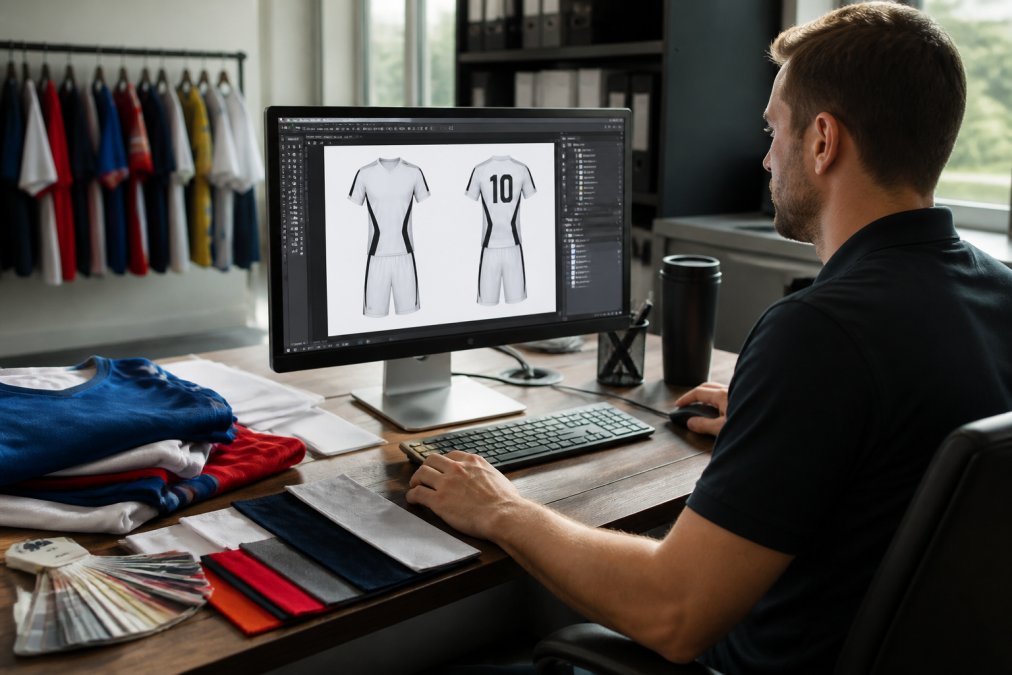
Most custom team jersey design software platforms update your preview instantly as you make changes. Use this feature to check how your design looks from multiple angles. Rotate the jersey preview, zoom in on text, and verify that logos aren’t distorted or pixelated.
This preview is your quality control checkpoint. If something looks off, colors clashing, text placement awkward, logo too small, fix it now before sending to production. A few minutes reviewing the preview saves frustration when jerseys arrive.
Professional Design Software vs. Web-Based Configurators
The choice between professional software and web-based tools depends on your needs, budget, and technical skill. Understanding the trade-offs helps you make the right decision.
Web-based configurators excel at speed and simplicity. You don’t install anything, don’t learn complex software, and can design a jersey in under an hour. These platforms handle the technical requirements automatically, you upload your logo, it scales and positions correctly, and the system ensures your file is print-ready. Ideal for coaches and small team managers who need results fast.
Professional design software like Adobe Illustrator or CorelDRAW offers unlimited creative control. You can design custom shapes, create complex graphics, and build designs from scratch. The trade-off is learning curve. You need to understand vector-based design, file formats, and technical specifications. A designer who knows this software can create something a configurator cannot. But for most teams, that level of customization isn’t necessary.
The cost-benefit analysis tilts toward web-based configurators for most users. You get 80% of the capability with 20% of the complexity. Professional software makes sense if you’re a designer building jerseys for multiple teams or if your vision requires capabilities a configurator doesn’t offer.
Custom Sports Uniform Design Templates and Where to Find Them
Design templates accelerate your process. Rather than starting blank, you select a template that matches your sport and customize it with your colors and logos. This approach ensures your design aligns with industry standards and production best practices.
Templates exist for every sport: basketball, football, soccer, lacrosse, baseball, volleyball. Each template accounts for the specific requirements of that sport, placement zones for numbers, spacing for sponsor logos, areas optimized for different printing methods.
Where to find templates: Most web-based configurators include a library of templates built into their platform. You browse, select, and customize. Design sites like Canva and Figma offer sports-specific templates, though these require more manual work to prepare for production. For sublimation jersey printing specifically, look for templates that account for the full-coverage printing capabilities sublimation offers, these templates use the entire jersey as a canvas rather than restricting design to specific zones.
The best templates are those created specifically for your printing method. A screen printing template differs from a sublimation template because the two methods have different technical requirements. Using the right template prevents design revisions that delay production.
Best Software for Sublimation Jersey Printing
Sublimation printing creates vibrant, detailed jerseys with full-color capability. Unlike screen printing, which layers ink on fabric, sublimation transfers dye directly into polyester fibers. This method supports unlimited colors, photographic images, and complex gradients.
The best software for sublimation supports high-resolution graphics and handles the technical requirements of sublimation.
Look for platforms that provide sublimation-specific templates. This opens creative possibilities that screen printing doesn’t allow. You can create all-over patterns, gradient backgrounds, and edge-to-edge graphics.
Color accuracy matters in sublimation. The software should show you a preview that accurately represents how colors will appear on the finished jersey.
Technical File Requirements for Print-Ready Designs
The gap between a beautiful design on your screen and a quality printed jersey often comes down to file specifications. Understanding technical requirements prevents costly mistakes.
Your design file needs to be vector-based, not raster. Vector graphics scale infinitely without quality loss, your logo looks crisp at any size. Raster images (JPEGs, PNGs) are made of pixels. When you enlarge them, pixels enlarge too, creating the pixelated appearance that ruins jerseys. If you’re uploading a logo, ensure it’s vector-based (EPS, AI, SVG formats) rather than raster.
Resolution matters.
Common Design Mistakes and How to Avoid Them
Most design problems fall into a few categories. Recognizing these mistakes lets you catch them before production.
| Design Element | Web-Based Configurator | Professional Software |
|---|---|---|
| Learning curve | Minimal | Steep |
| Speed to finished design | 30-60 minutes | 2-4 hours |
| Creative control | Moderate | Unlimited |
| Technical requirements handled | Automatically | Manual |
| Best for | Most teams | Professional designers |
| Cost | Low to moderate | Higher |
| Common Mistake | Impact | Solution |
|---|---|---|
| Raster images instead of vector | Pixelation on finished jersey | Use vector-based logos (EPS, AI, SVG) |
| Low resolution (under 150 DPI) | Blurry text and graphics | Design at 300 DPI minimum |
| RGB color mode instead of CMYK | Color inaccuracy on print | Convert to CMYK before sending |
| Text too small | Illegible player names and numbers | Maintain readable text size |
| Ignoring bleed areas | Cropped logos and edges | Follow printer’s bleed area specifications |
| Overcomplicated design | Cluttered, unprofessional appearance | Limit to three colors and one primary logo |
Frequently Asked Questions
What file formats do professional printers require for custom jerseys?
Professional printers typically require vector-based files in formats like AI, EPS, or PDF for logos and graphics, and high-resolution raster files (TIFF or PNG) at 300 DPI for detailed images. Vector-based designs scale without pixelation, making them ideal for custom team jersey design software. Always confirm specific file requirements with your printer before finalizing your design, as some may have additional specifications for sublimation or screen printing.
Can I use Canva to design a jersey?
Canva works for basic jersey concepts and mockups, but it has limitations for professional printing. Canva exports at lower resolutions and uses raster graphics, which can pixelate when enlarged. For production-quality custom team jersey design, use dedicated apparel design software or web-based configurators that support vector-based graphics and export print-ready files at the correct resolution and color specifications your printer needs.
How much does custom jersey design cost?
Design costs depend on several factors: whether you use free templates, web-based configurators, or hire a professional designer. Web-based tools are often included free with orders. Professional design software ranges from free (limited versions) to $50-$600+ annually. Designer fees vary widely. Pricing for your finished jerseys depends on quantity, fabric technology, printing method (sublimation vs. screen printing), and turnaround time. Contact Piercy Sports and Apparel for a custom quote based on your specific needs.
What software can I use to design my own custom jersey?
Options range from web-based configurators built into e-commerce platforms to professional graphic design software. Web-based configurators offer user-friendly design interfaces with real-time previews and design templates, ideal for beginners. Professional software like Adobe Illustrator or CorelDRAW gives advanced control for complex designs. Choose based on your design experience, budget, and whether you need vector-based graphics or prefer a simpler drag-and-drop approach with pre-made templates.